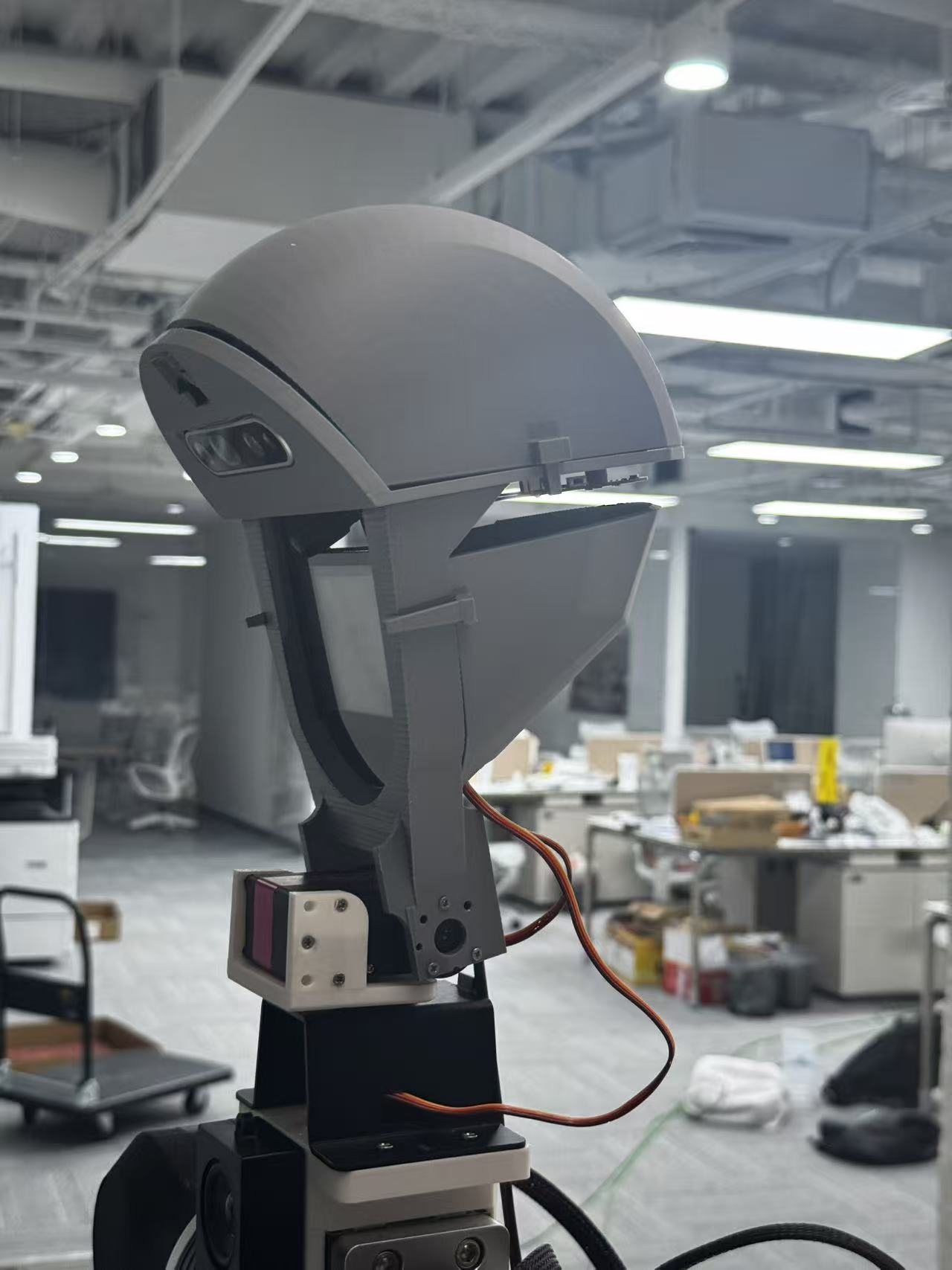
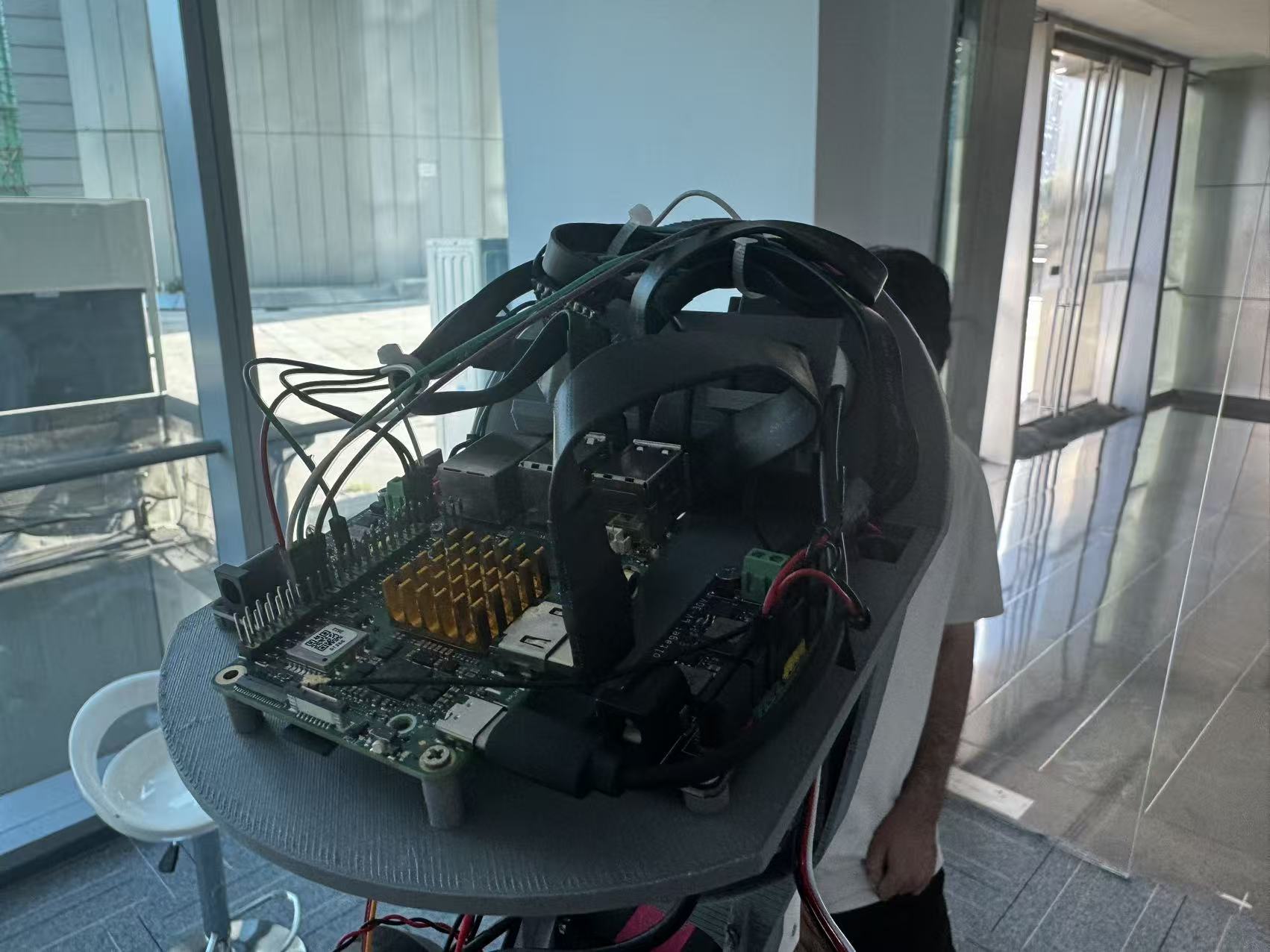
Robot head structure and assembly iteration
How can sensors, a display, computing boards and wiring share a compact head while remaining practical to make and assemble?
- Current output
- Multiple rounds of mechanical modelling, 3D printing, assembly and wiring, revised through device requirements and physical feedback.
- My role
- Principal-part modelling, assembly design, printed-part revisions and most of the wiring, with AI references during debugging.
Organise the devices into a head
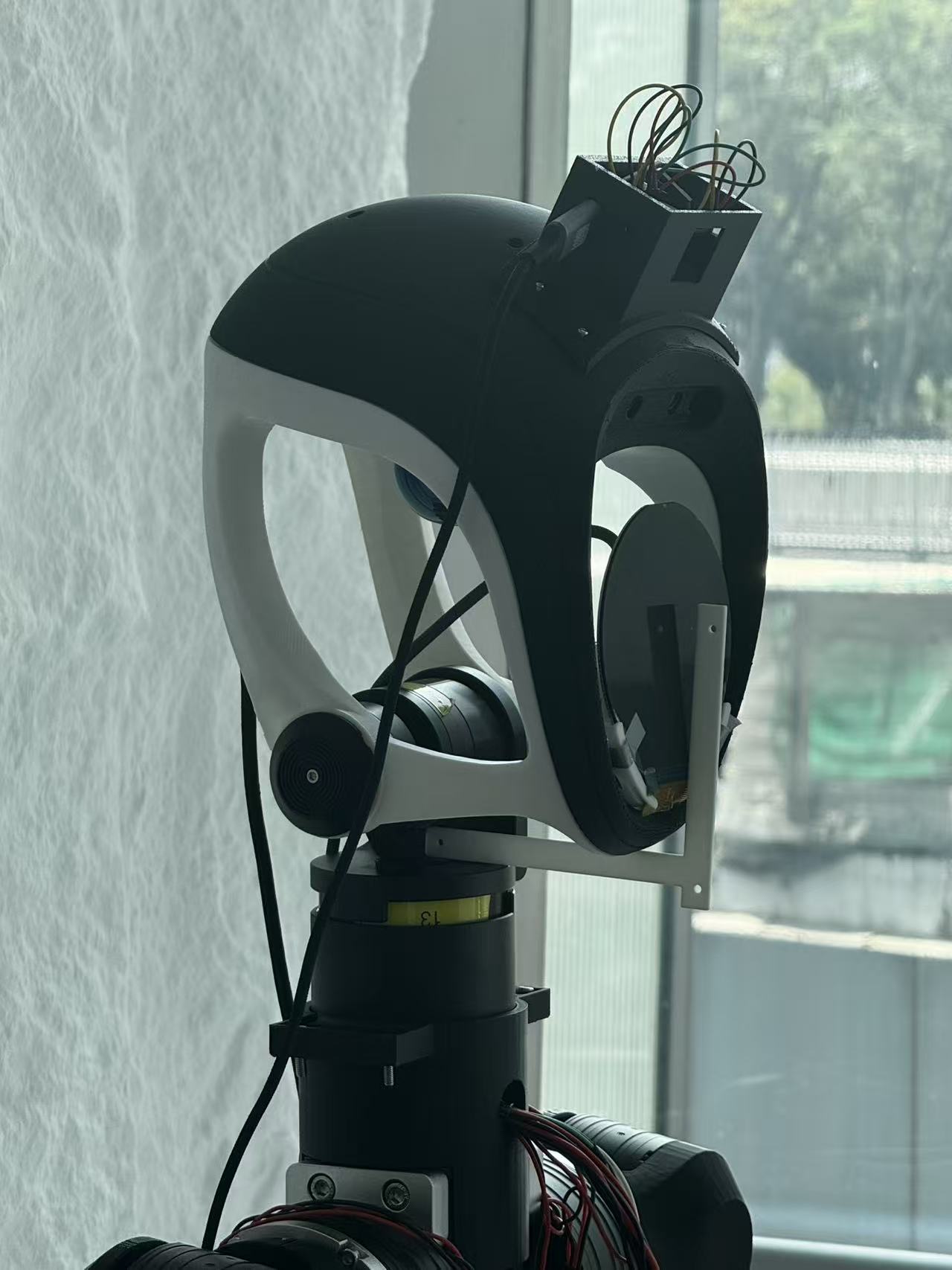
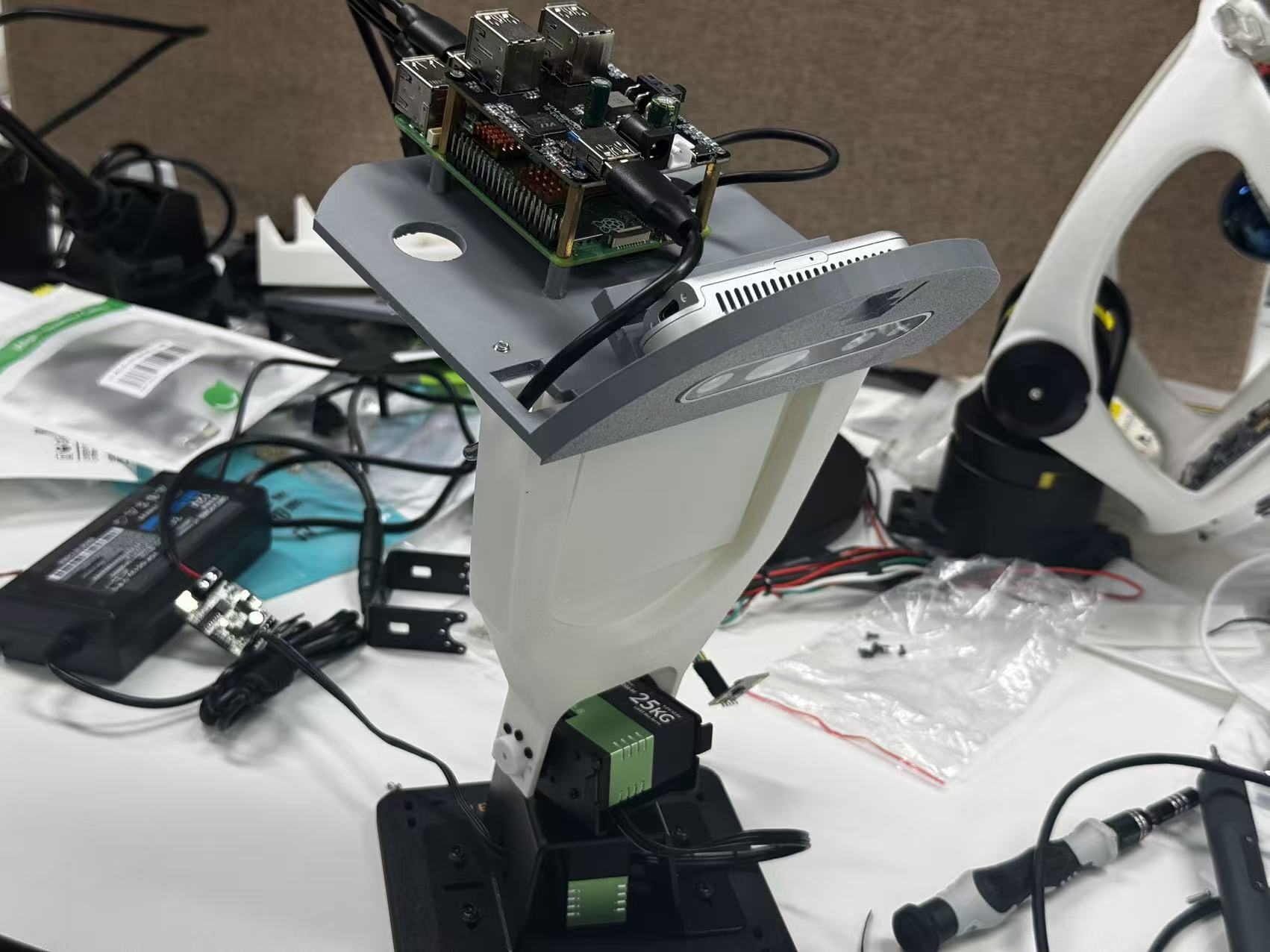
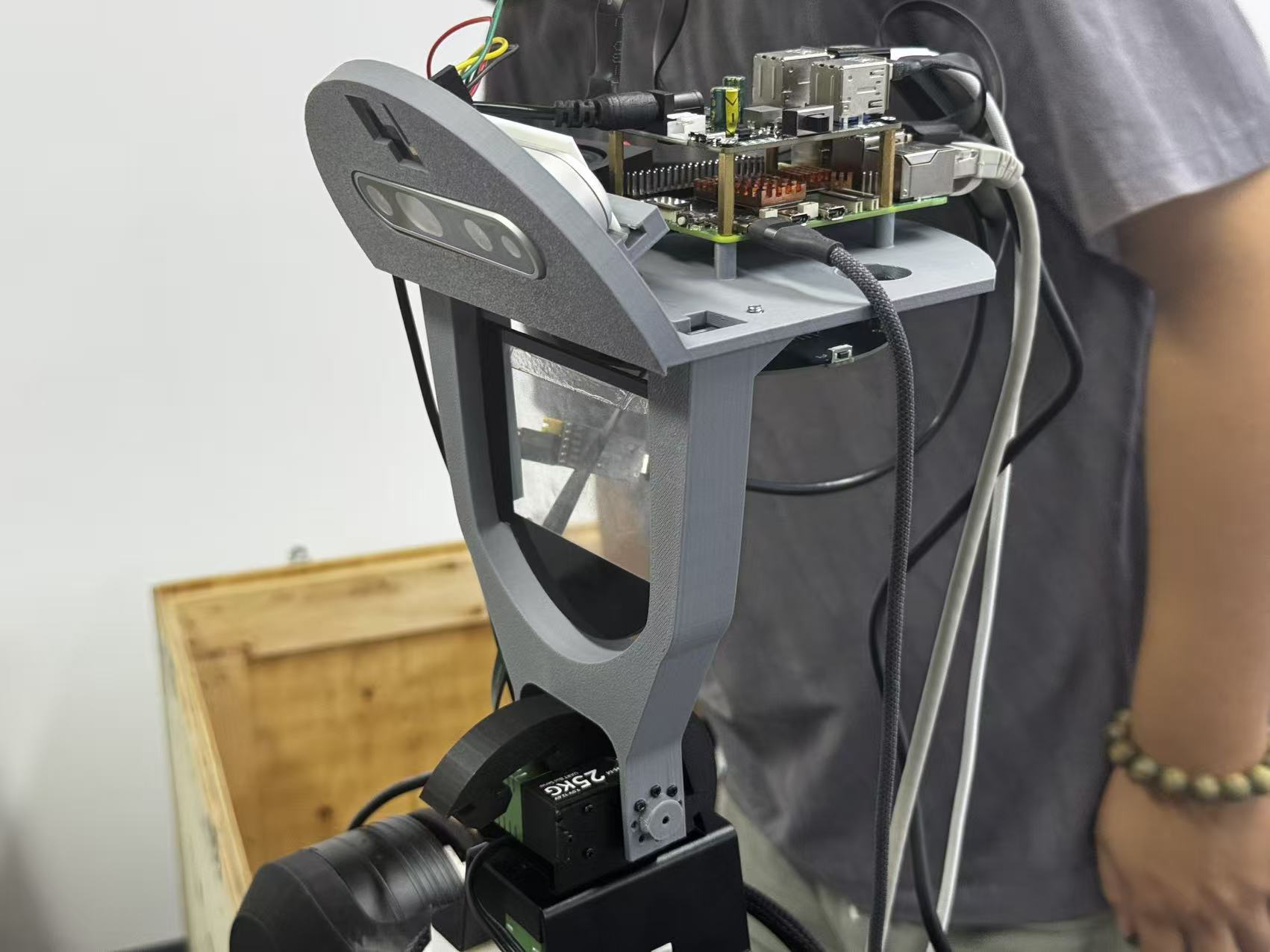
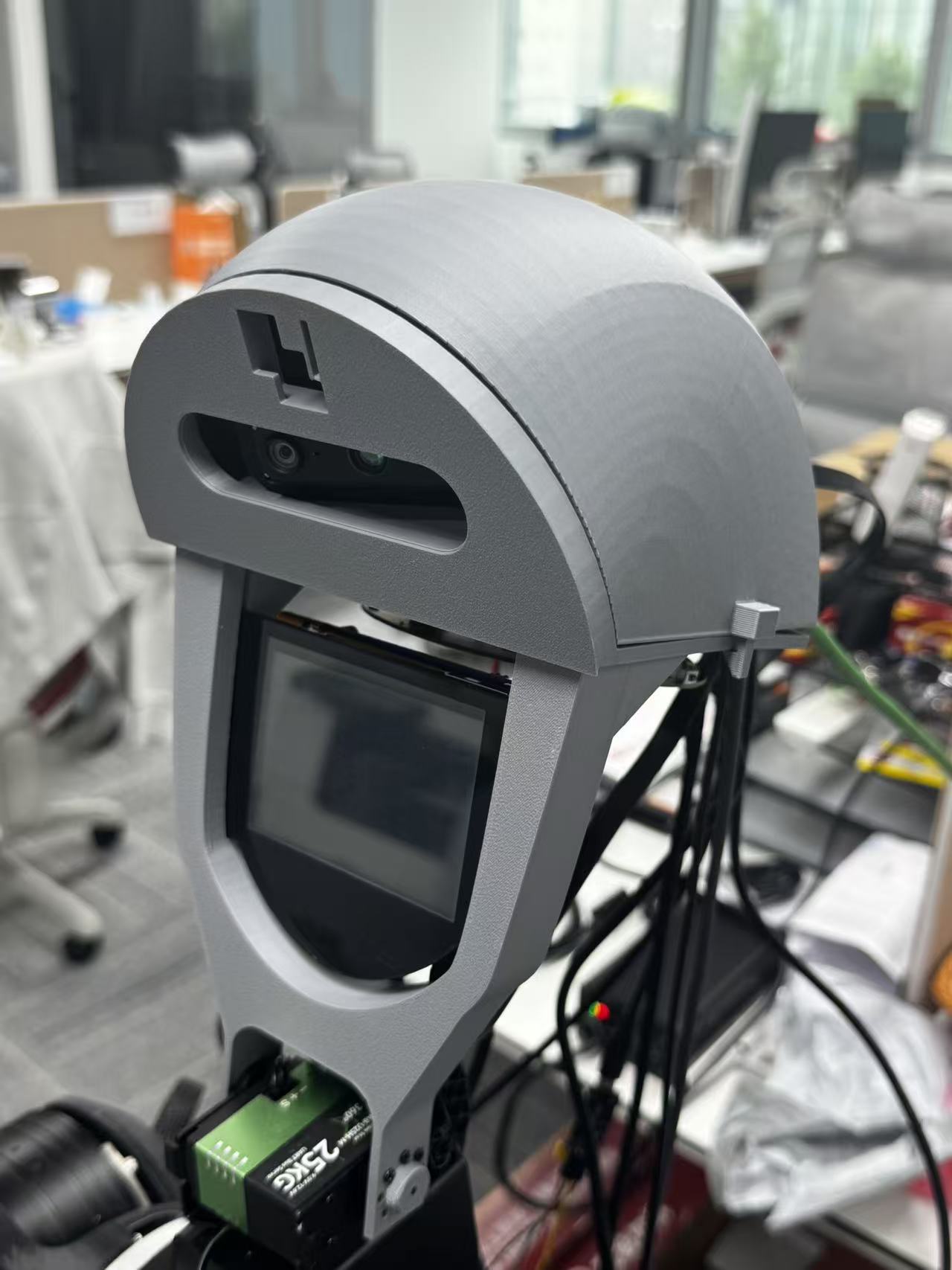
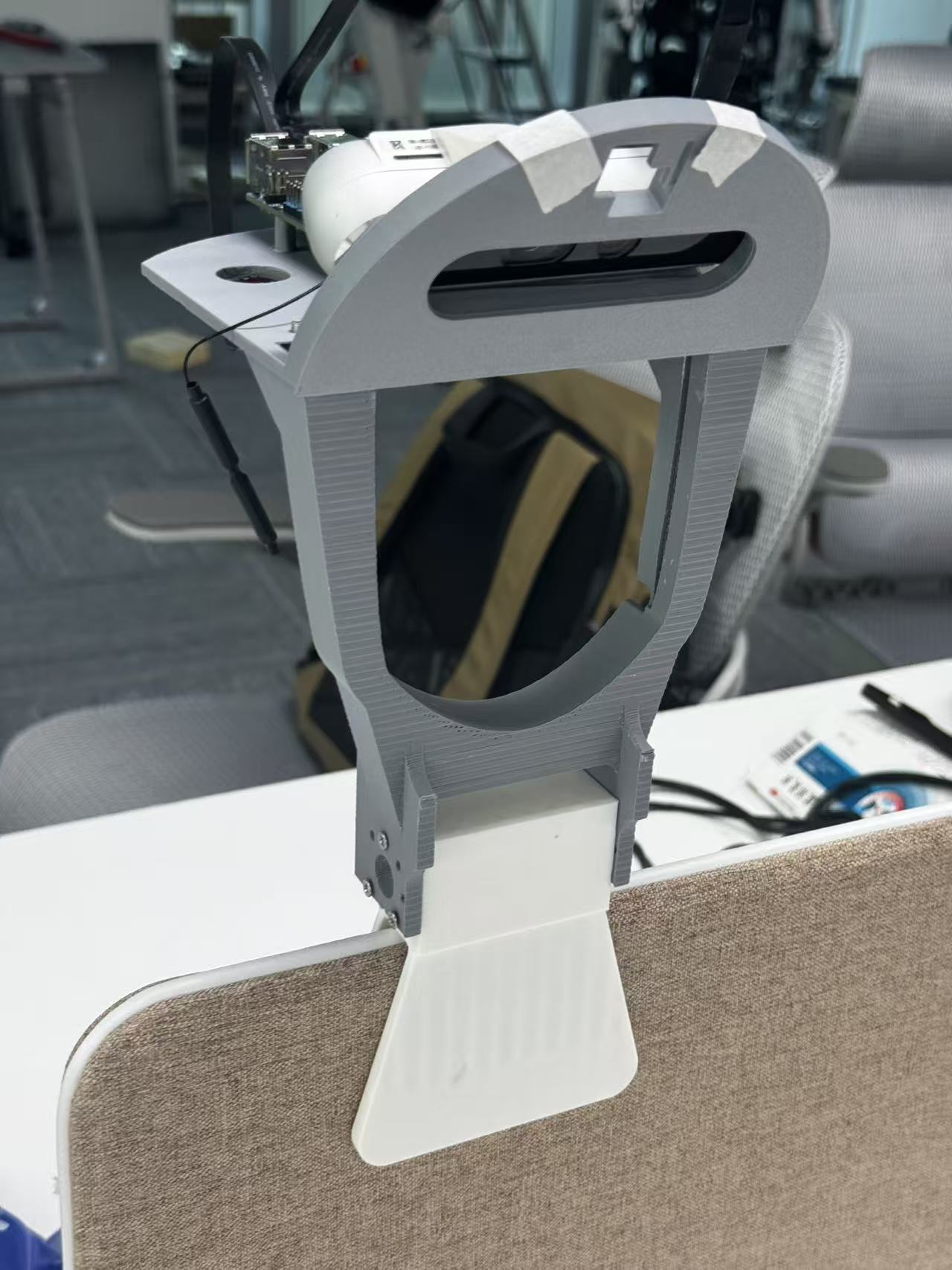
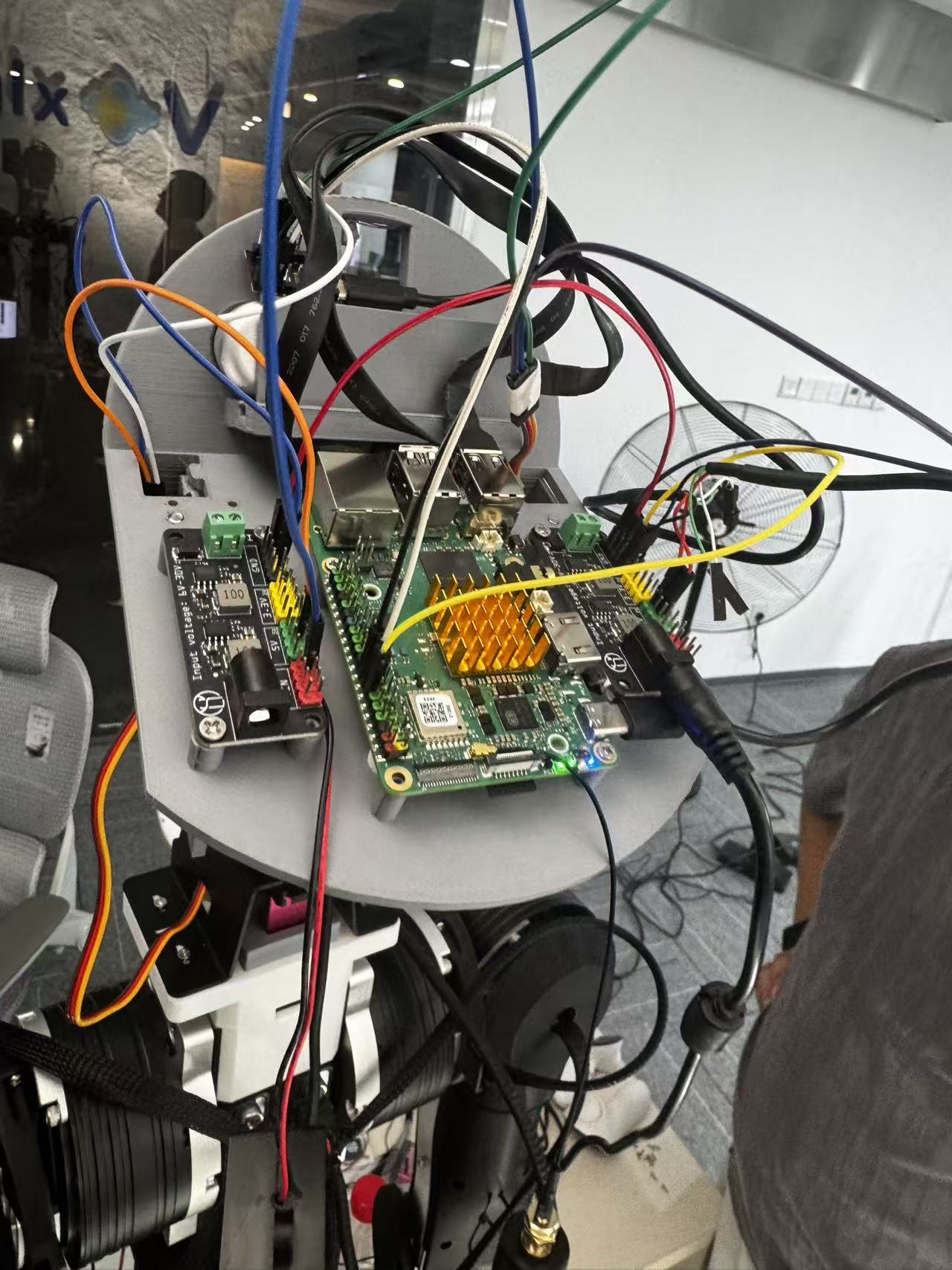
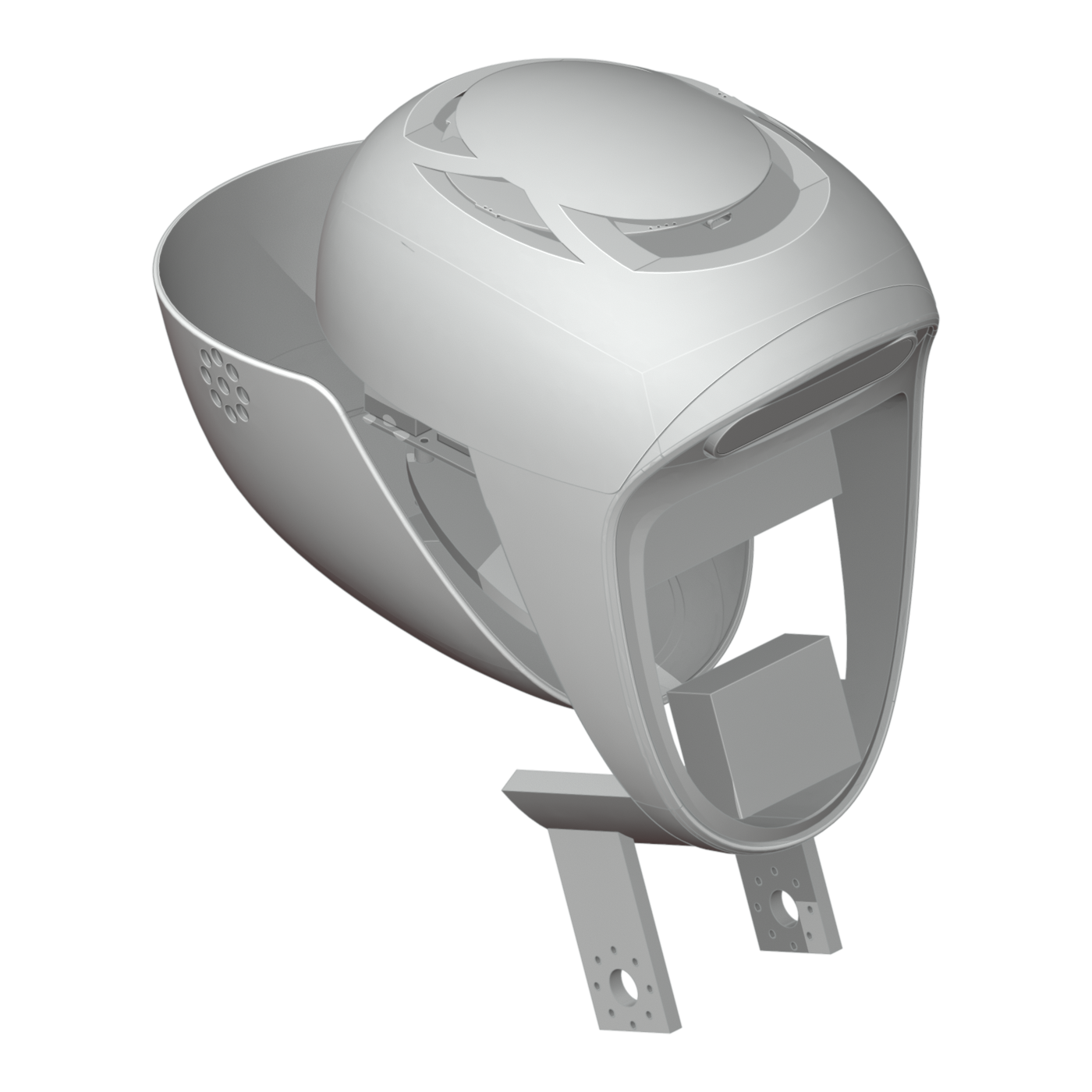
The display, cameras, microphones, mainboard, power boards on both sides and neck connection each have spatial requirements. I separated the frame, device mounts, display support and enclosure so they could be revised individually.
My work
I modelled the principal parts, designed the assembly, revised printed parts, installed devices and carried out most of the wiring. I worked with colleagues on some complex surfaces and used AI suggestions during debugging.
Plan the assembly and removal paths
A device fitting inside is only the beginning. Fasteners need access, plugs need insertion space, cables need routes and neighbouring parts need to come out for service. I consider those operations as part of the assembly.
Head mass and movement requirements also influence the neck connection. I checked mass, estimated the centre of gravity and torque, and compared motor and support options.
Move the microphones in response to feedback
The microphone array initially sat on top, facing outwards. After an audio colleague reported unsatisfactory results, I moved it below the main structure, added isolation and left its surroundings open. The mount now responded to listening conditions as well as space.
The printed build revealed the plug clearance
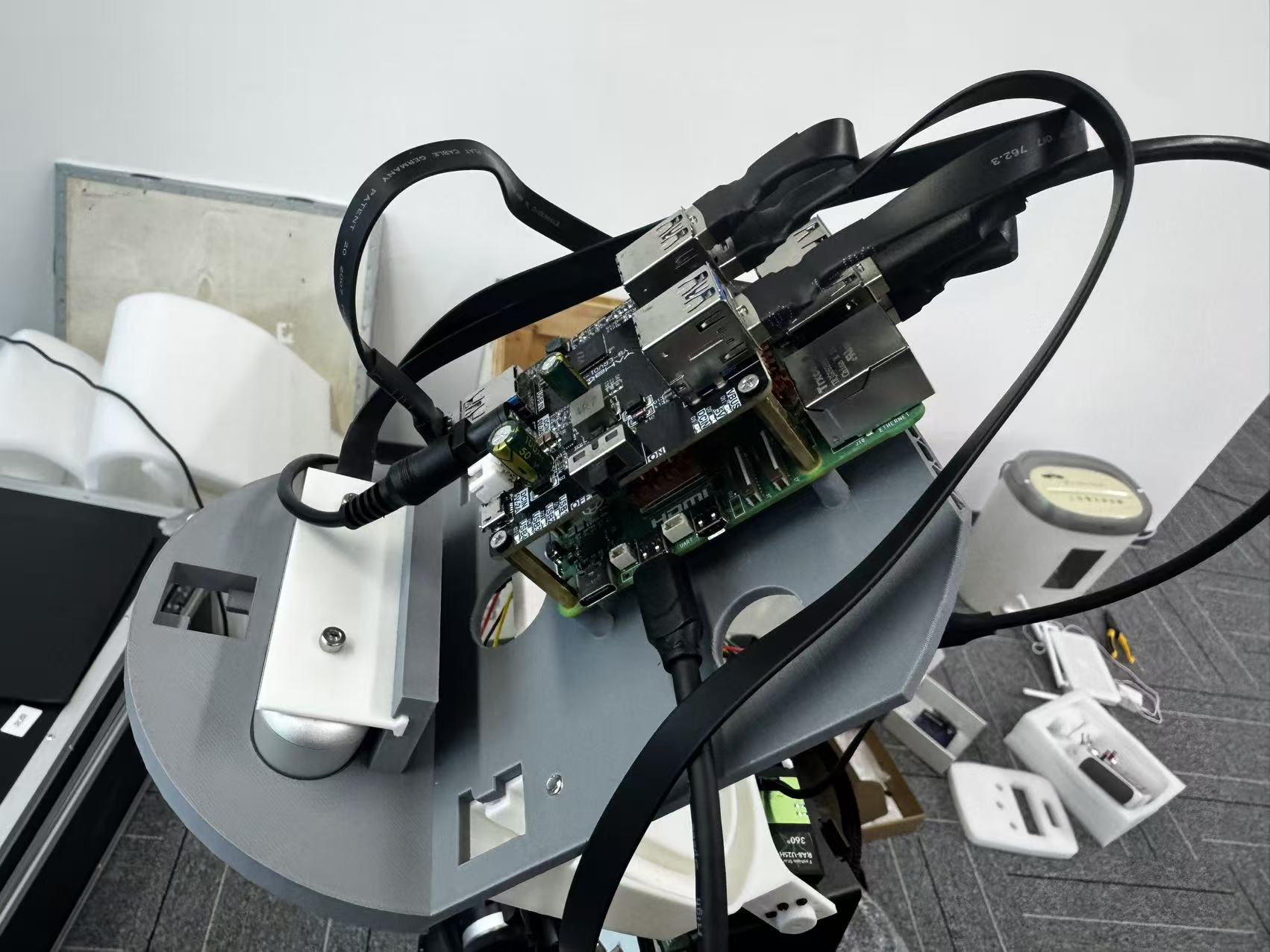
The Raspberry Pi version allowed USB space in CAD, but fitting several real cables revealed clashes between plug housings and nearby parts. Space for a port did not guarantee room for the plug and cable.
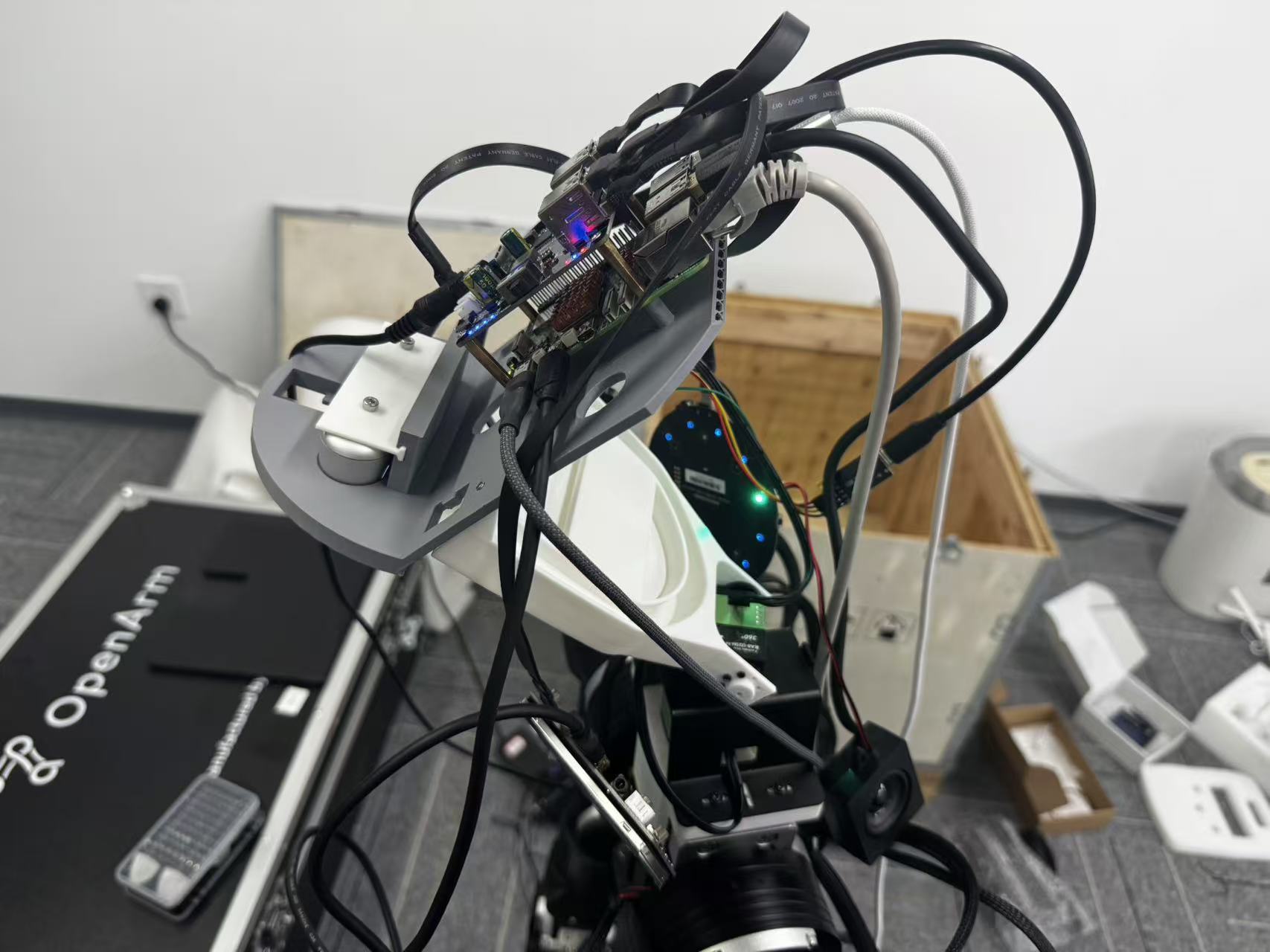
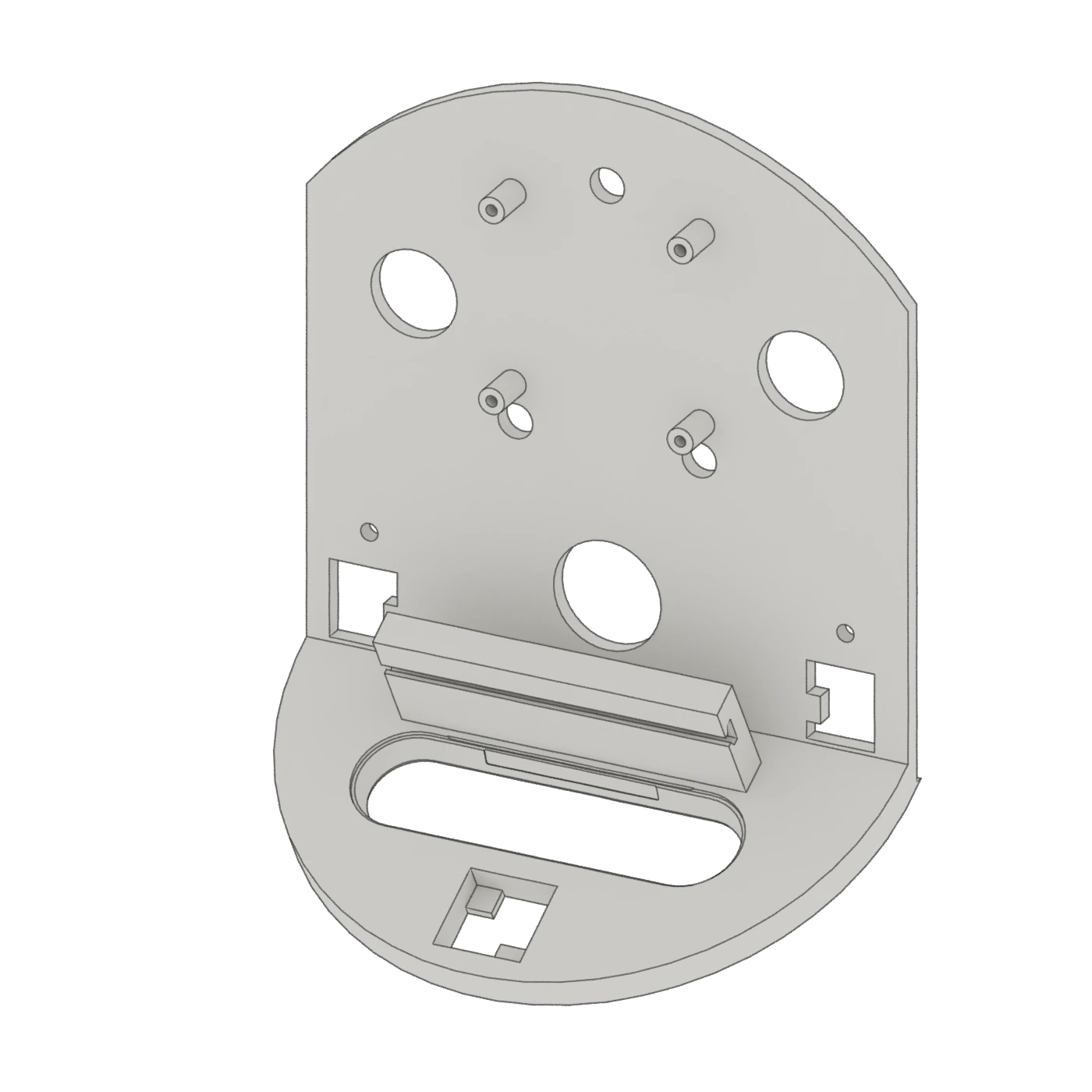
I changed the lower support angle, moved the camera forward and revised the rear plate. After reassembly, the USB cables could connect normally.
Organise power and wiring through the neck
After the power-board change, roughly five or six neck cables became one Ethernet cable and two power cables. A smaller expansion board also reduced the occupied space. I adapted the mounts and cable routes to those changes.
Check the supply after wiring
I connected an ammeter in series and measured voltage with a multimeter. With two 12 V supplies, motors moving and sensors running together, I observed currents of approximately 2.2 A and 2.9 A.
Making and assembly